Coaching Steps
Coaching Steps are a set of hints given to the user when they click the Coaching button in the simulation. Hints are given one at a time, typically in sets of three, as the user requests them. They are intended to guide the trainee on the right path and tell them what to do next, starting out vague but getting increasingly specific as the trainee requests more hints.
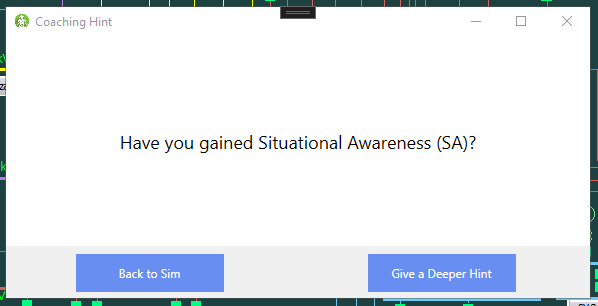
Hint given to the trainee to gain Situational Awareness before doing anything else. Further hints will tell them what to do to gain SA.
Coaching Steps rely heavily on Accomplishments to determine which hints are given. The hints should guide them toward the most important thing they should do next.
Fields
Example
Name
Advise mitigating action
Hints
(1) Are you addressing the primary problem, the transmission line overload?
(2) How would modifying power from generators affect the overload?
(3) Increase power from a generator north of the overload.
Priority
0
Source Accomplishment
(none)
Requirement Count
0
Accomplishment Reference
Selecting an accomplishment in the Source Accomplishment field allows selecting different sets of hints based on how close the user is to completing an accomplishment. Consider a GainSA / CheckOneline accomplishment with two requirements, Kabwe and Leopard. By selecting this as the source accomplishment and setting Requirement Count to 1, we can ensure this hint only appears if they have completed one of these requirements. We can then have a separate set of hints with a requirement count of 0 to guide them while they haven't checked either oneline.
Formatting Hints
Source Accomplishments can also be used to tell the trainee what they still need to look at. By formatting our hints like so:
You have looked at [COMPLETED].
Look at onelines with alarms to gain Situational Awareness.
You still need to look at [UNCOMPLETED].
...the relevant requirements will automatically be filled in when this set of hints is displayed. So if they have looked at Kabwe but not yet at Leopard, it will be like this:
You have looked at Kabwe.
Look at onelines with alarms to gain Situational Awareness.
You still need to look at Leopard.
We can also adjust this for requirements with multiple segments. Consider an accomplishment with the Communicate criteria, and the requirements Shift Supervisor - OneLineRelayed and Reliability Coordinator - OneLineRelayed. Maybe we only want to include the contact name and not the abbreviation of the message. We do that by selecting the first segment in our substitution.
You have communicated with the [COMPLETED-1].
Who else do you need to share status with?
Tell the [UNCOMPLETED-1] about the overload.
The first segments of the requirements are Shift Supervisor and Reliability Coordinator, respectively. If they have only communicated with the Reliability Coordinator, the hints will be displayed like this:
You have communicated with the Reliability Coordinator.
Who else do you need to share status with?
Tell the Shift Supervisor about the overload.