Creating Checks
Checks are an additional component of scenarios that greatly extend the scoring functionality. Checks allow for monitoring trainee actions against a certain threshold, rather than just a type of change. Checks also allow tracking more gradual changes that may not be directly performed by the trainee.
Creating a Check
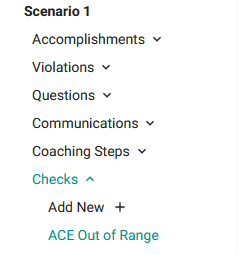
Let's enforce that ACE, the balance of production and load, must remain between -50 MW and 50 MW. We will first add a check to determine when the value leaves this range, and then add a violation to go alongside it. In the left sidebar, create a violation called ACE Out of Range.
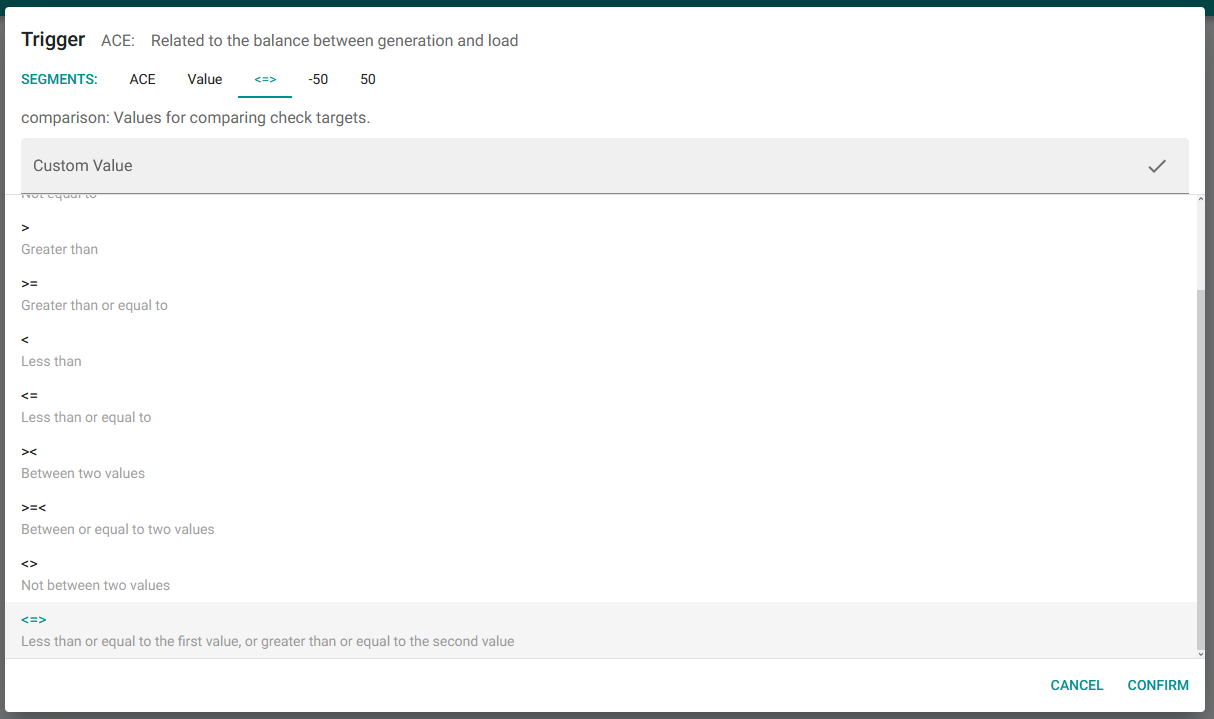
The primary component of a check is its trigger. This determines what variable the check is watching and what threshold should activate it. Creating a check trigger is similar to creating a violation trigger. We want to watch the value of ACE, and we want to fire when it's less than -50 MW or greater than 50 MW. So we will pick <=> as our comparison, which matches anything less than or equal to Value 1 and anything greater than or equal to Value 2.
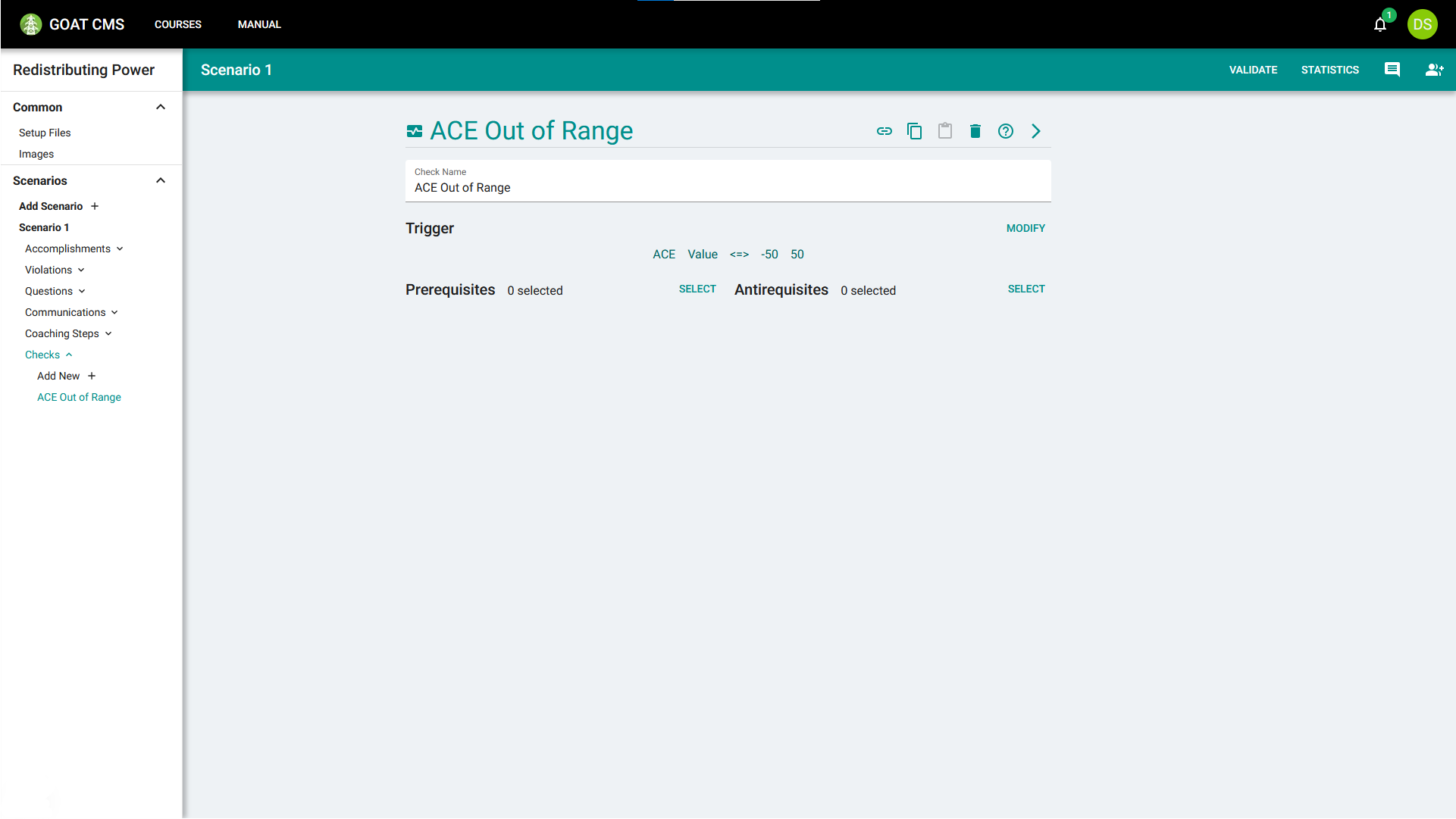
The final check trigger should be ACE:Value:<=>:-50:50.
Checks, like most objects, can have prerequisites and antirequisites, which define when the check can be triggered. If the requisites aren't met, the check won't activate, even if the watched value enters that range. We will not add any requisites for this check, meaning our final check will look like this:
Triggering a Violation with Checks
When this check is activated, we want to trigger a violation to penalize the user. The check will create an action of the format Check:ACE Out of Range, so we just need to match against that in our violation trigger.
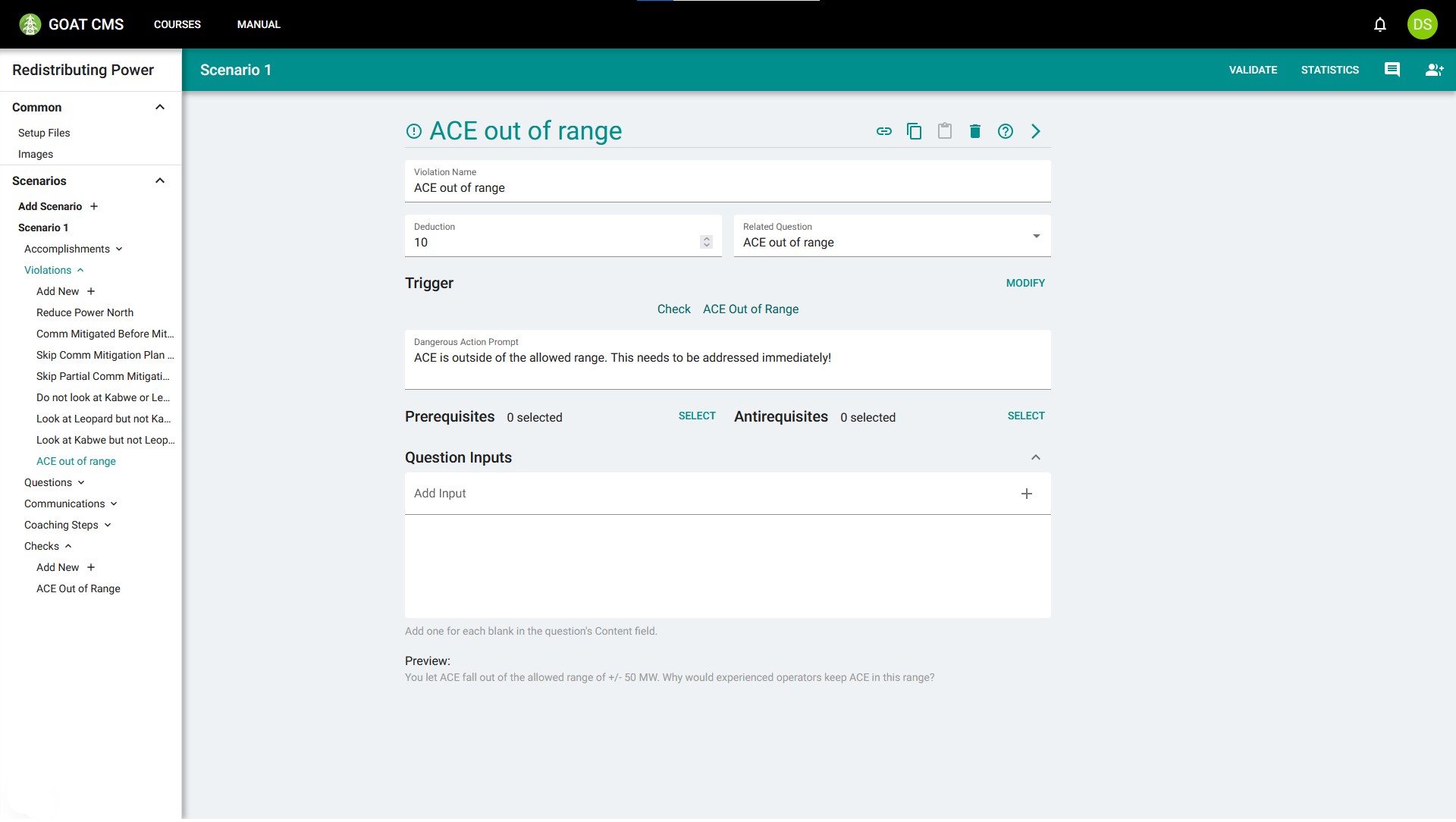
When ACE falls below -50 MW or rises above 50 MW, the check will activate, creating the action, and triggering this violation.
More checks
There are many other checks that may be useful. For this scenario, you might want to add checks for:
- Overload reaching 0, meaning the scenario is resolved.
- Total generation power generation reaching some threshold, meaning the trainee has increased power sufficiently.