Topics
v0.7.1
After-Action Report
The After-Action Report is an important phase of training that appears at the end of the scenario. The training simulation ends when the user clicks the Done button, when they complete the final milestone, or in the worst case, when they can no longer make any progress (such as the time limit expiring).
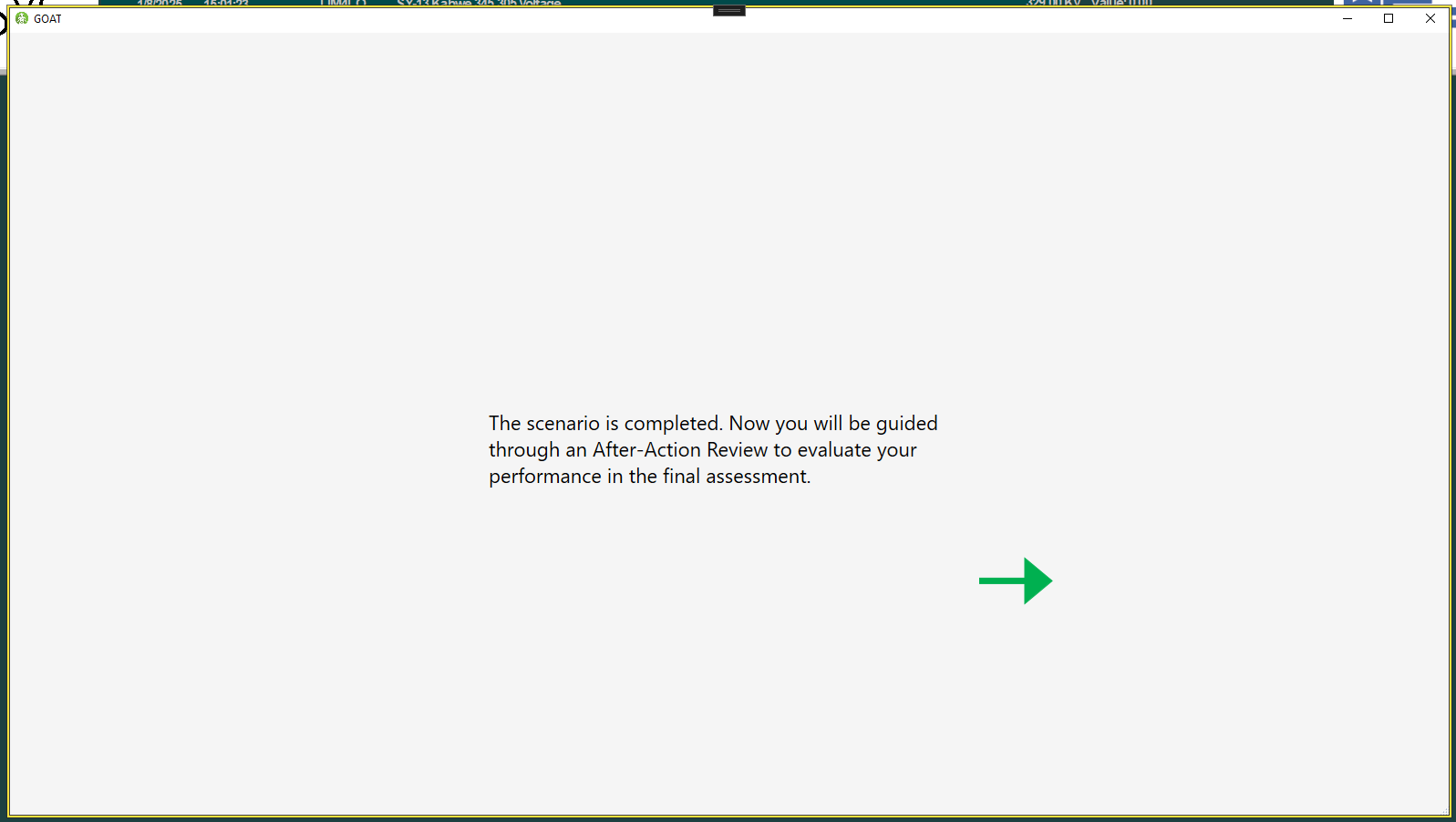
Initial window that appears when the After-Action Report is activated.
During a training scenario, GOAT tracks every action the user performs, and compares it to the Violations for the scenario. If a violation is triggered, its Question may appear in the AAR. Only a limited number of questions are shown to avoid overwhelming the trainee.
Phases
Currently, GOAT assigns actions to six phases. Phases represent major components of a given course of action, and are currently set at the simulator level. For example here are the phases actions can be assigned to in the Transmission Simulator.
Phase I: Gaining Situational Awareness (SA) - learning what the problem is.Phase II: Communicating SA with others who manage the grid.Phase III: Taking actions that contribute to mitigating the overload.Phase IV: Observing the results of mitigating actions, such as monitoring the activated alarms.Phase V: Communicating that the overload has been resolved.Phase VI: Monitoring ACE, the balance of generation and consumption.
If an action is assigned to a phase, it means that action was detected as contributing toward reaching the goal of that phase in some meaningful phase. Actions can only be assigned to a single phase, and many will not be assigned to a phase at all.
Presentation
During the AAR, the trainee is guided through the six different phases of the scenario. In each phase, they are given a summary of what is expected of them. Then they can see the actions they performed that are relevant to that phase.
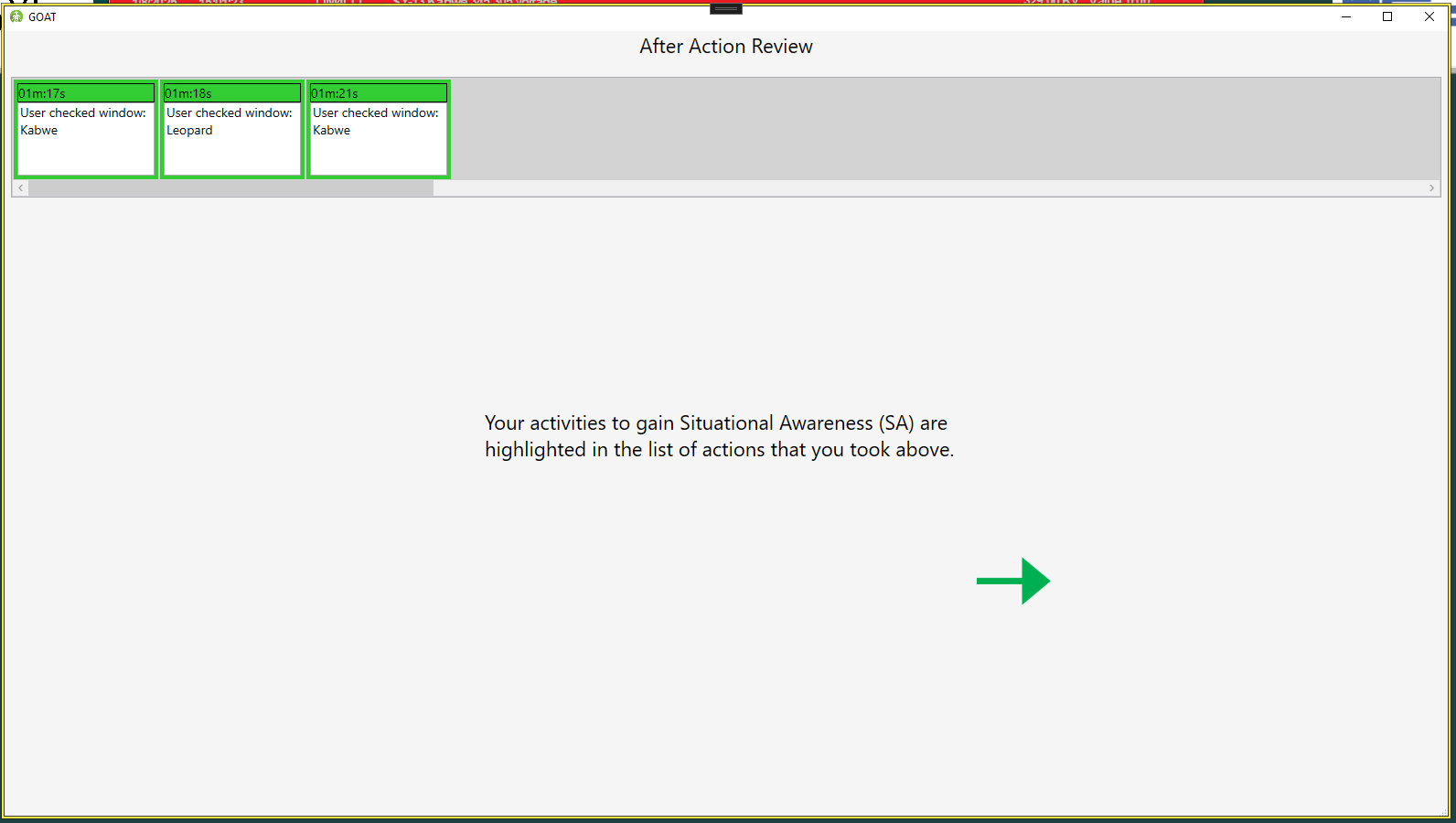
Three actions are highlighted as helping the trainee gain Situational Awareness
After viewing their actions, they will be told if their actions were correct or if they made a mistake.
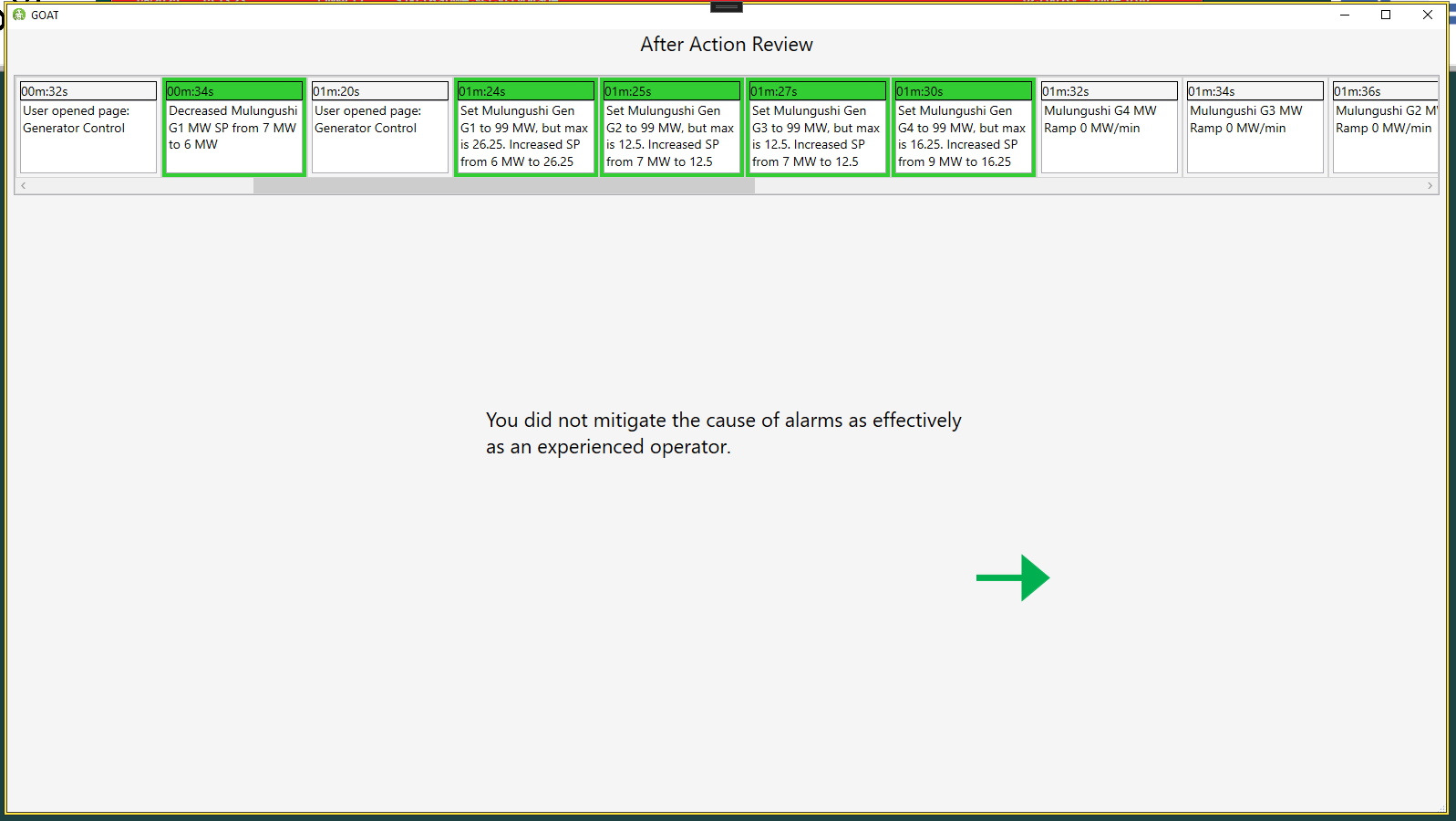
The trainee's mitigating actions are highlighted, but they committed some violation.
Here the trainee committed a violation and is now being presented with a question. The relevant action is highlighted in the list at the top. The question's Content is displayed on the left. In the middle, they have to fill in the blanks to complete the response to the question. They can also see an image at the bottom of the screen that gives them more information.
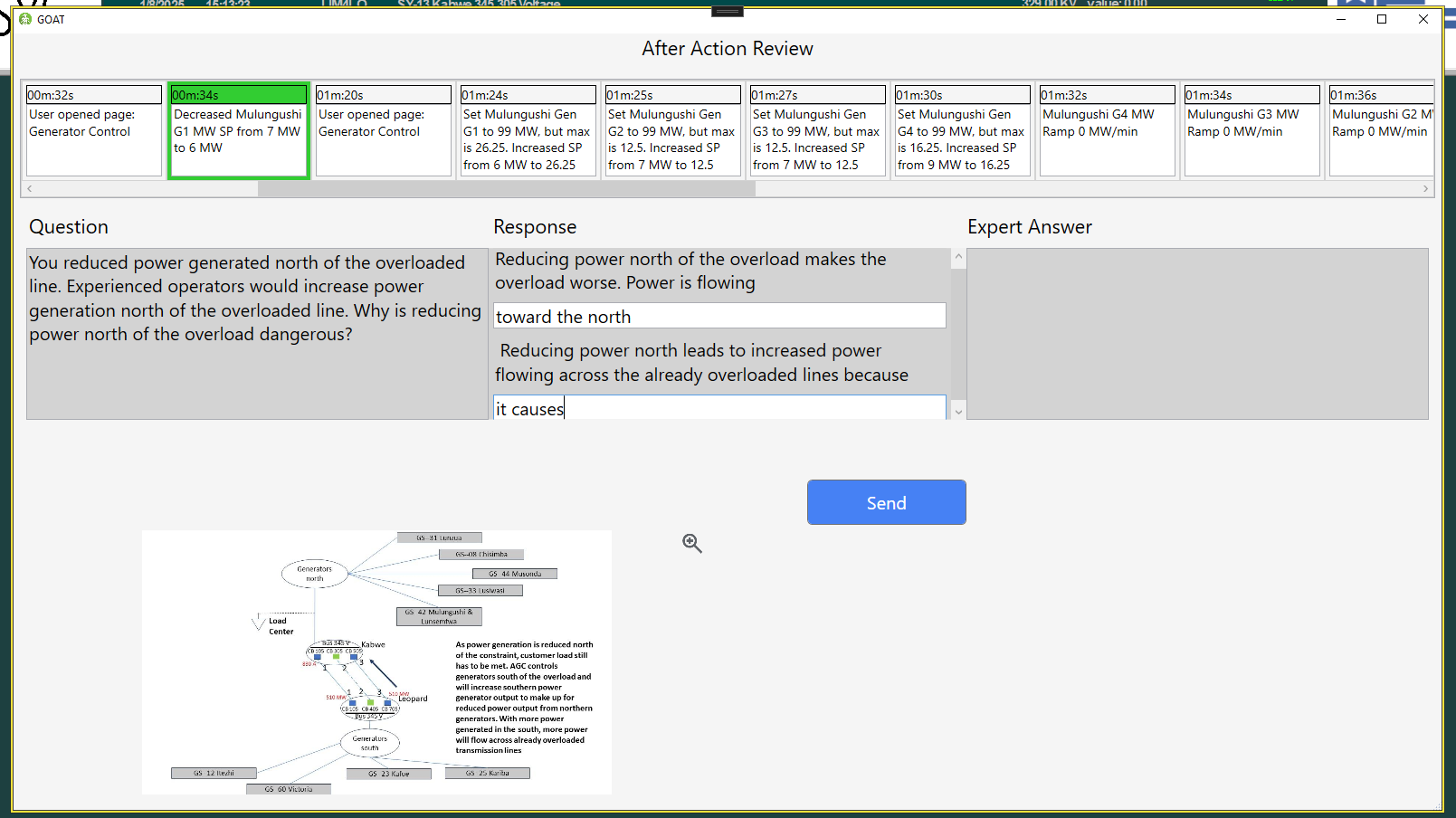
The trainee sees an incorrect highlighted action and answers a question about their mistake.
After answering the question, the trainee is presented with an expert's answer to the same question. They are meant to view this answer and compare it to their own, and then rank on a five-point scale how similar the two answers are. There may also be a different set of images presented at the bottom of the screen.
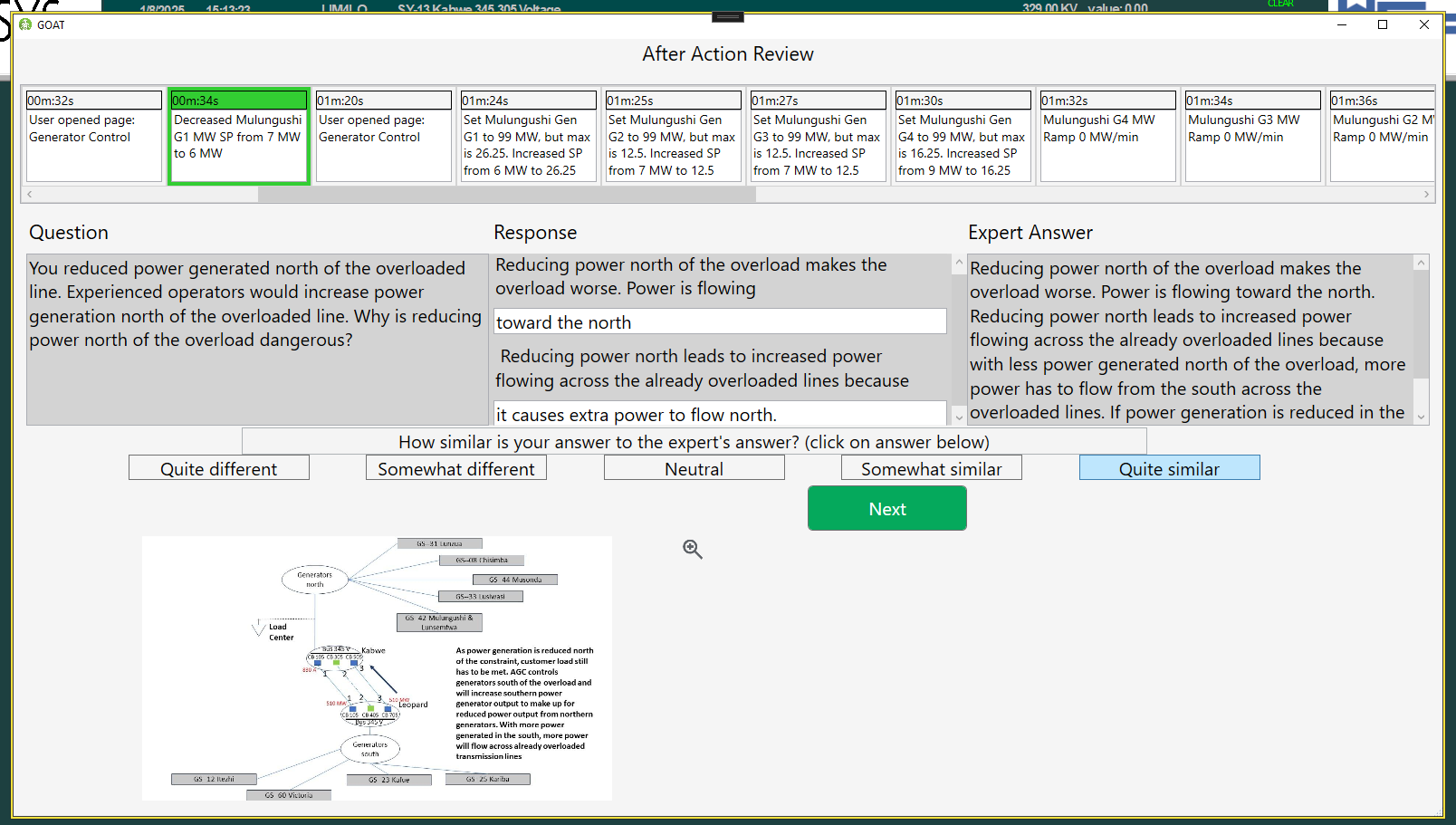
The trainee marks their answer as "quite similar" to the expert's answer.
The trainee is then free to proceed to the next question or phase. After answering all questions in all phases, the trainee can finish the AAR. Their attempt and answers are then uploaded to the CMS and can be viewed from the Course Statistics Page.