Communication Module
The communication module displays the Communications that are available to the trainee at any point in the scenario.
Display
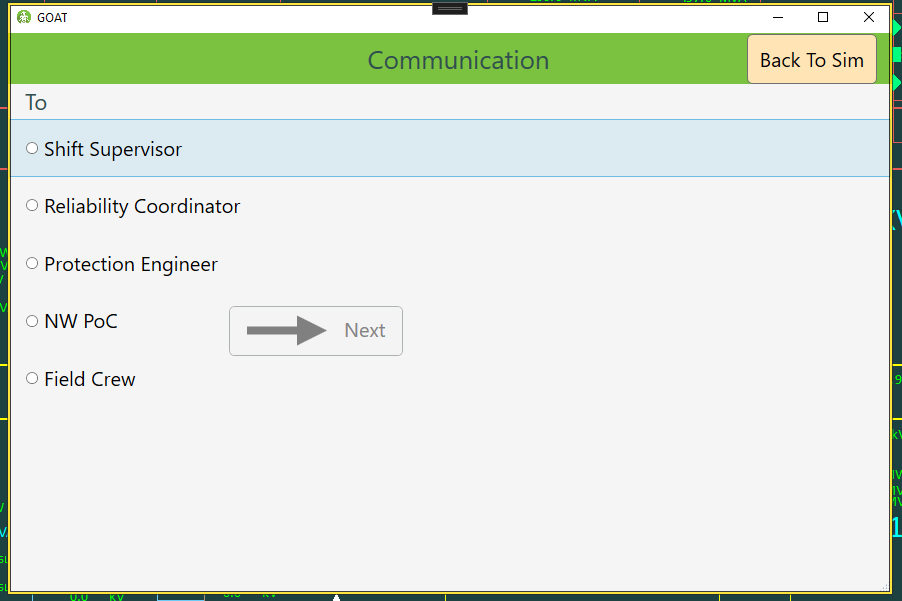
GOAT's communication module is opened when the user presses the Communication button in the simulator. When opening the window, users are presented with a list of contacts.
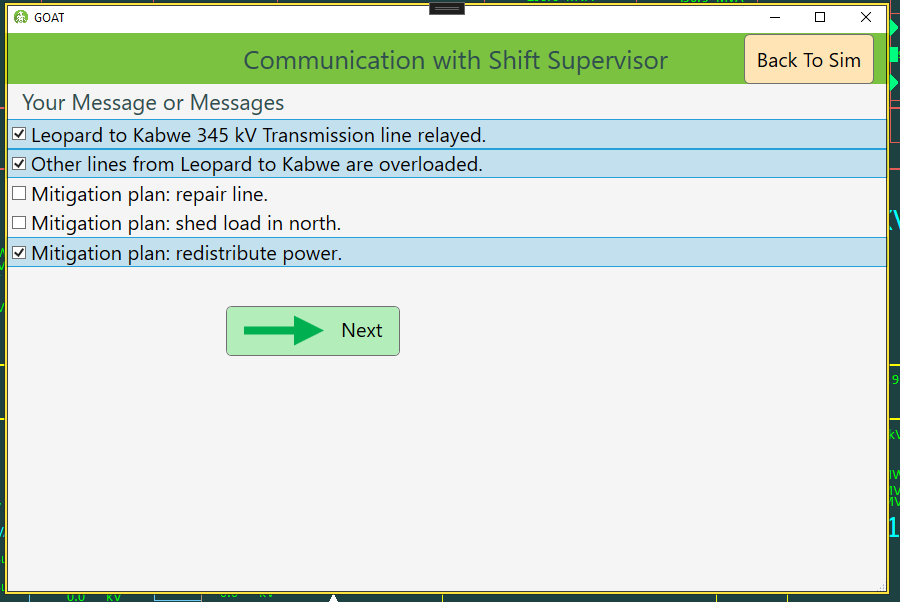
After selecting a contact, they can select any number of available messages to send to that contact.
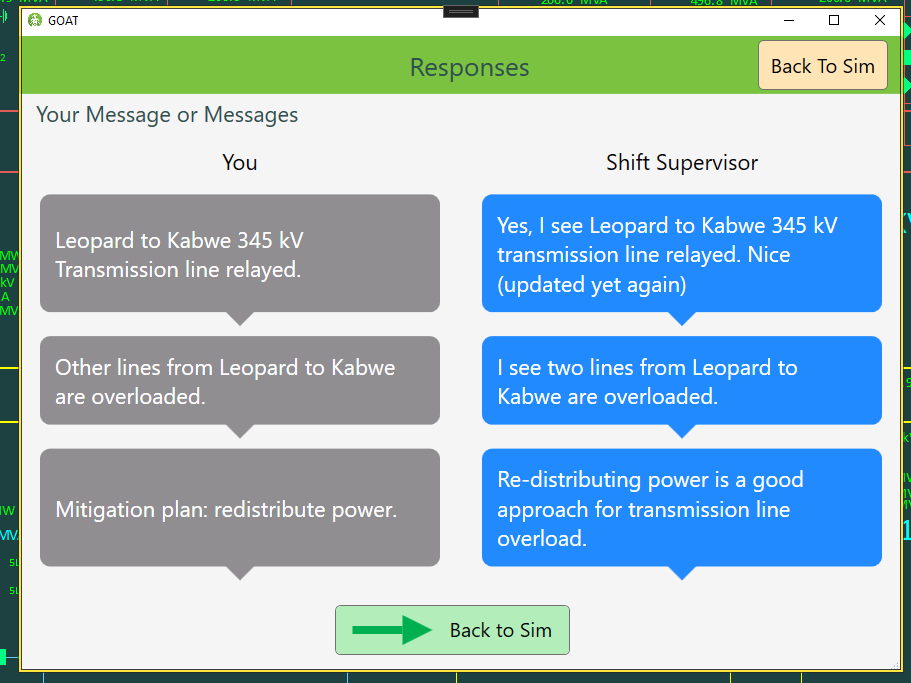
Finally, the trainee clicks the Send button, and is presented with a prewritten response to each message.